Platformer Essentials Cookbook
RigidBody vs CharacterBody: Which One for Your Platformer?
RigidBody is for simulation. CharacterBody is for custom physics.
There you have it. I won’t waste your time.
But if you want to understand when you need simulation and when you need custom physics, keep reading. This clarity will save you hours of frustration.
The Confusion Coming from Unity
If you're coming from Unity, Godot's physics system feels weird. Instead of one body with multiple "modes," you get different node types: RigidBody, CharacterBody, StaticBody, AnimatableBody.
Two of them matter most for character controllers: RigidBody and CharacterBody.
They both use the same physics engine. They just approach movement differently.
So which one should you use for your platformer character?
The Question That Inspired This Post
This post came from a conversation with Kyle, a friend and supporter who's been working with Godot as long as I have. He asked me about swapping between RigidBody and CharacterBody for a grappling hook mechanic.
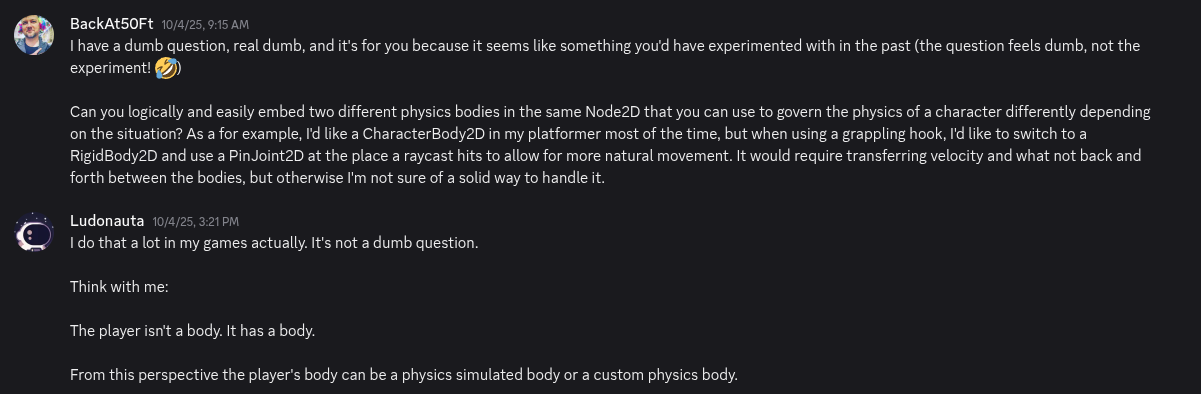
He even clarified the question to help us even more!
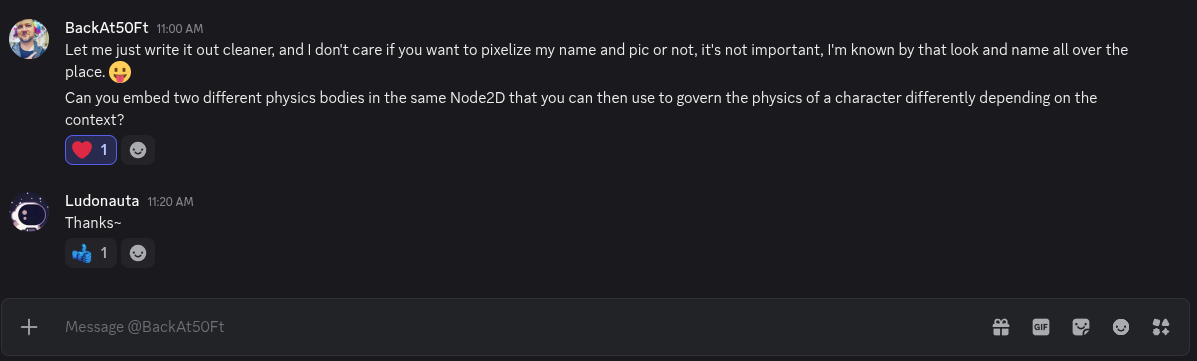
So I thought with myself: if an experienced developer has this question, beginners definitely do too.
CharacterBody: Custom Physics
Most platformer cases benefit from CharacterBody.
Why? Because platformer games implement custom physics. You're not simulating reality, you're designing an experience.
CharacterBody is built to handle collision data. It gives you methods like move_and_collide() and move_and_slide() that provide collision information and let you handle it according to your design.
You control everything. Gravity strength. Jump height. Acceleration curves. Friction. Air control.
This is what makes platformers feel good. Mario doesn't move like a real person, he moves like Mario. Just like Mega Man X has not acceleration, has air-dash, he doesn't fall even when there's just a toe holding him on a cliff. It's custom physics. It serves the game's purposes.
RigidBody: Physics Simulation
RigidBody is for physics simulation. It applies forces, translates, and rotates automatically. You don't control the movement directly, you apply forces and let Godot's physics engine handle the rest.
RigidBodies shine when you want objects to behave like they would in real life: bounciness, torque, acceleration, damping, mass interactions.
The key difference: With RigidBody, you don't have direct control over movement. That's the point.
Using BOTH in Your Character
Here's where it gets interesting.
Kyle's example is perfect: For most movement, he wants custom collision handling, that's CharacterBody2D. But for the grappling hook, he wants to simulate a body swinging around a pivot point.
Godot offers PinJoint2D for this simulation. But it only works with RigidBody2D because it needs to simulate the movement.
So the solution is to use a CharacterBody2D for normal movement and switch to RigidBody2D when the player shoots the grappling hook.
Your Character ISN'T his Body
This might sound confusing. We usually think: player object = moving object.
But as I mentioned in my 5 Common Mistakes in Godot 4 Platformer Games post, thinking your player character IS the character's body is a common mistake.
It isn't. Understanding this changes everything.
In the Moving Character chapter of my cookbook, we create an object responsible for character movement. But in the Bumping Enemy chapter, we see this object isn't the character itself. The character uses the body as a component to solve movement problems.
Your character is a system. The physics body is just one part of it.
When you understand this, swapping between CharacterBody and RigidBody becomes natural. You're just activating the right component for the current movement state.
I'll dive deeper into implementing a grappling hook in Godot in a future post, once I finish the commissioned Grappling Hook chapter.
Common Questions Answered
Let's address some questions that may rise from this topic.
Won't switching between bodies cause bugs or weird physics glitches?
It can, but nothing's inherently broken about the swap itself. It depends on your implementation. Keep properties synced at swap time. Use RemoteTransform2D to keep graphics synced with both bodies. Handle the transition cleanly.
Can't I just use RigidBody for everything and lock it when I need custom movement?
Not ideal. You'll have simulations running in the background that create unexpected situations. These drain your time and energy to fix. CharacterBody offers a blank canvas you build on top of. Much more control. I advocate against using RigidBody for platformer character controllers.
CharacterBody sounds limiting if I want realistic physics.
Yes. That's the whole point! You have two paths: implement realistic physics with CharacterBody (if you understand the calculations), or use RigidBody and deal with unexpected behaviors. If you don't understand physics deeply, you can't properly fix RigidBody issues. In both cases, you work with your current physics knowledge. CharacterBody is safer.
Isn't having multiple nodes for one character inefficient?
Depends on your implementation. Your custom solution (whether CharacterBody or RigidBody) might be less efficient than using both. For example, manually calculating orbit around a pivot with CharacterBody might be less efficient than using RigidBody with PinJoint2D. It depends on your optimization skills. If you understand what you're doing, stick with CharacterBody for most cases.
Next Steps
Understanding the difference between RigidBody and CharacterBody isn't just theory, it's fundamental to building solid character controllers in Godot.
If you have any questions, drop them in the comments. I'm here to help.
Ready to build your platformer? Get the Platformer Essentials Cookbook and start using reliable solutions today, just like Thodoris used these principles in Perception: Heart & Mind, launched this year on Steam.
Congratulations, friend. I'm proud to be part of your journey.
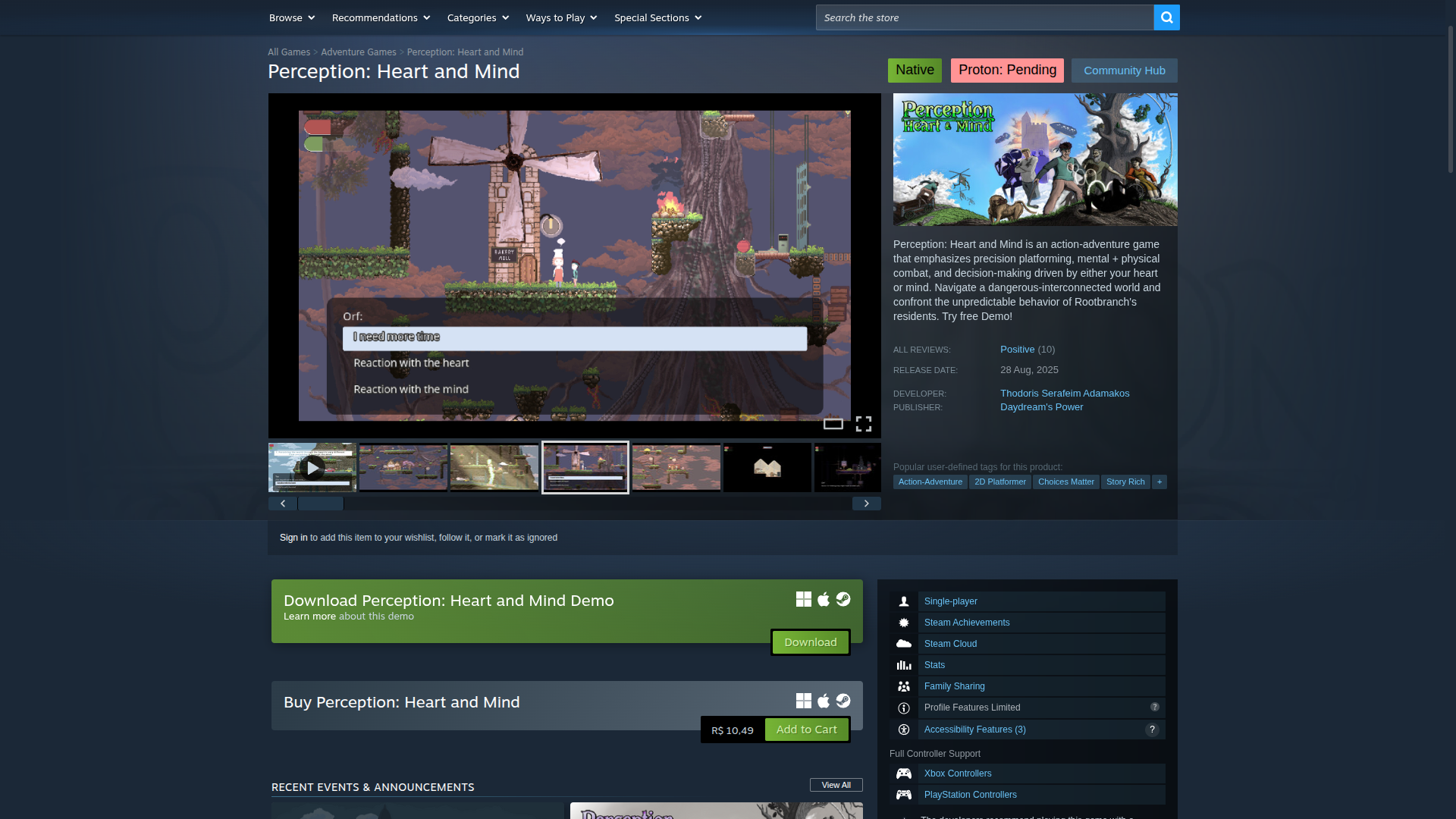
Check out Perception: Heart & Mind on Steam
Follow me for more content about designing and developing platformer games in Godot Engine.
Leave a comment
Log in with itch.io to leave a comment.