
Godot Engine 2D Spawning Kit
Ready-to-Use Spawning System for Godot
That are three major skills you must learn in order to master the art of game development; I call them The Three Eyes:
- The First Eye is (I)nstrancing
- The Second Eye is (I)nput handling
- The Third Eye is objects (I)nteractions
This asset pack will give you the ability to manipulate the creation of objects in real time using Godot Engine, granting you the First Eye.
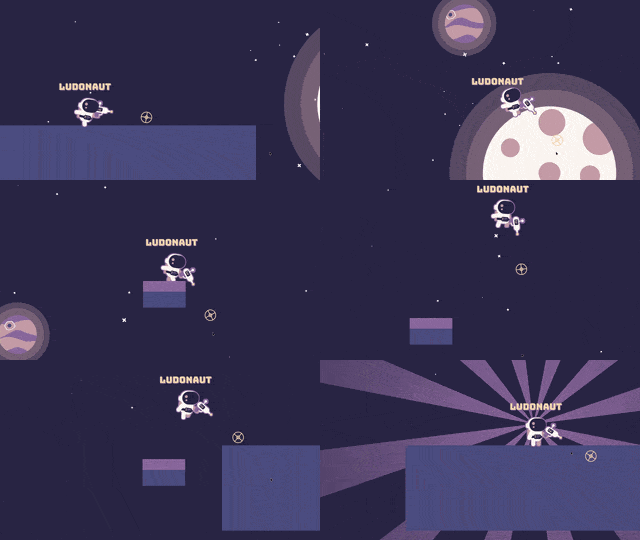
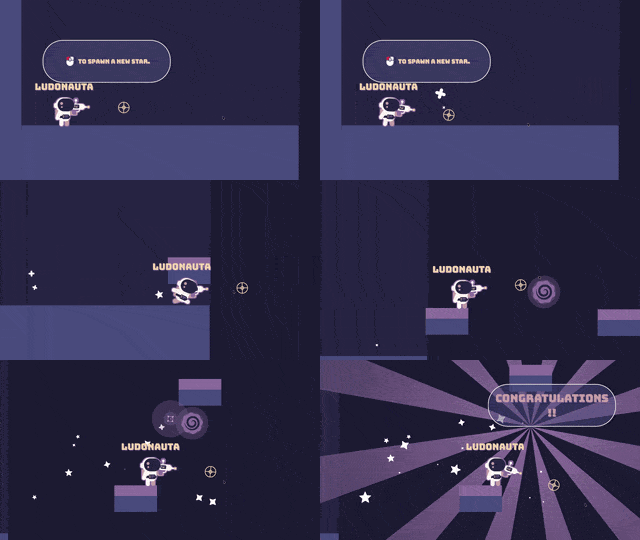
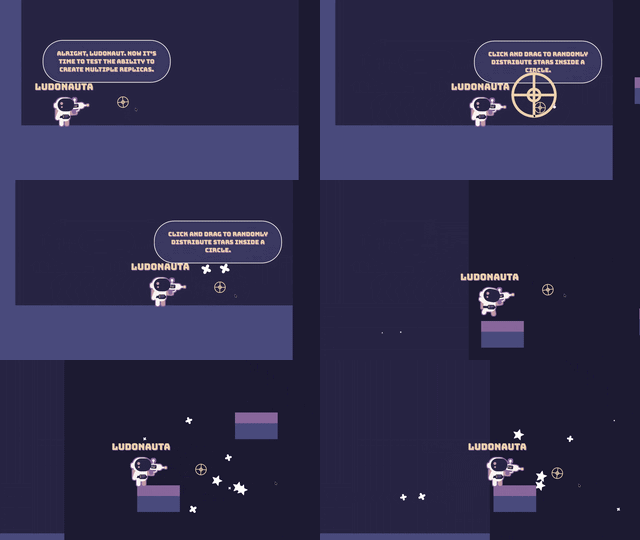
| Dynamic object creation | Swap objects in real time | Distribute inside and along any shape |
 |  |  |
Get the Mini Course (currently funding)
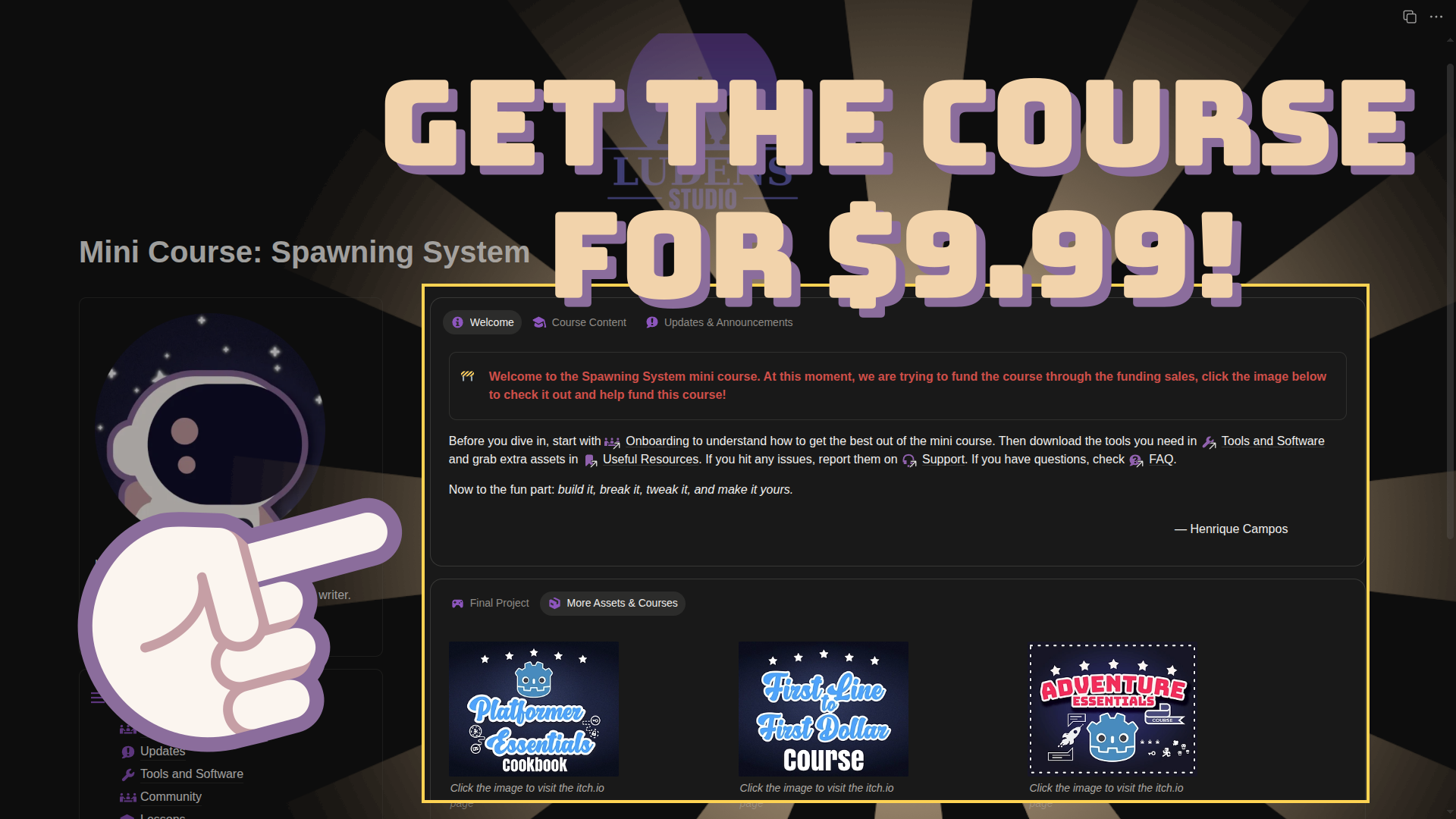
To help you understand the ins and outs of the Spawning Kit we offer a training that we call Mini Course, which you can get by purchasing the asset at $9.99.
The Mini Course starts by explaining the game design behind the Spawning Kit features, presenting insights about mechanics to inspire you to use it in your projects.
We follow with a chapter that presents insights about practical implications of our specific approach, showing do’s and don’ts, whens and wheres, and pros and cons so you can make an informed decision to use the asset pack.
Tutorials Included
To help you customize the Spawning Kit so it fits your needs or even build your set of spawning tools, we offer a complete tutorial on how the Spawning Kit core class, the Spawner2D, was made using Godot Engine 4.6.
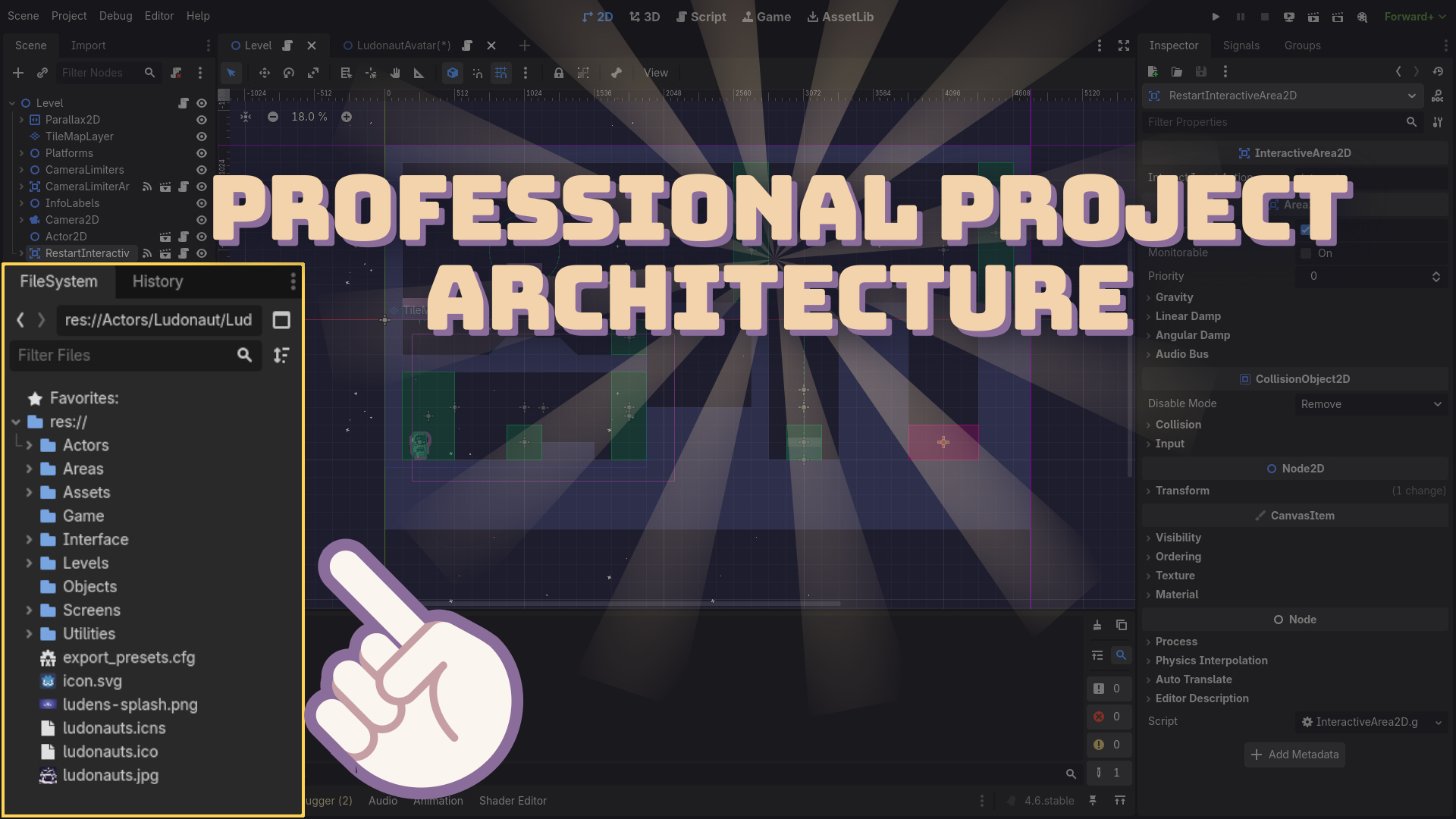
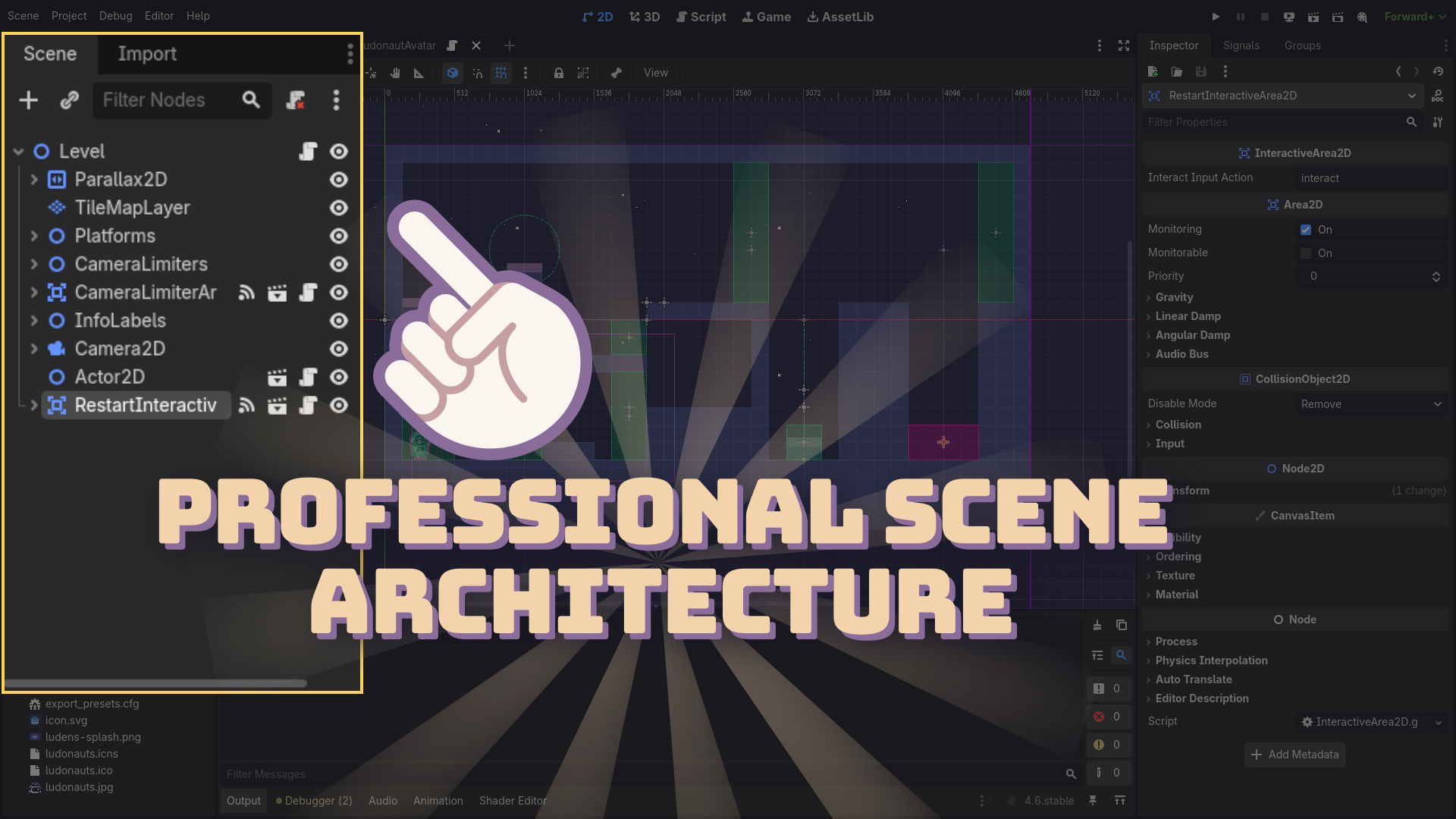
And to help you make the best out of the asset pack once you bring it to your projects, we also offer a practical chapter, which is the actual mini course, on how we used the Spawning Kit to build the the demo you played on this very page. In this chapter you learn some good architecture and overall structures that will help you scale the system and plug it in your own projects.
Next Steps
A game isn’t just a bunch of objects appearing on the screen, right? For example, in the demo you played with the Ludonaut, our very own Godot 2D Platformer Character controller. To learn how to make platformer character controllers, check the project below.
But if you want to take a leap and dive into a fully fledged platformer game, the Godot Platformer Essentials Cookbook is what you need. It’s a compilation of 18 essential features necessary to make platformer games. Each chapter follows a similar structure of the Mini Course answering what, when, where, why, and how to make each feature.
Over 527 indies already joined the Ludonauts in our mission to help people make games faster with Godot Engine. We now have a dedicated community here on itch.io where you can share your struggles, your achievements, and get support from like minded indie devs making games with Godot.
Drive your spaceship to the Headquarter and grab a coffee. We are waiting for you. And if you want to get even more benefits, join the Launch Crew program where you get exclusive discounts and early access.
Technical Information
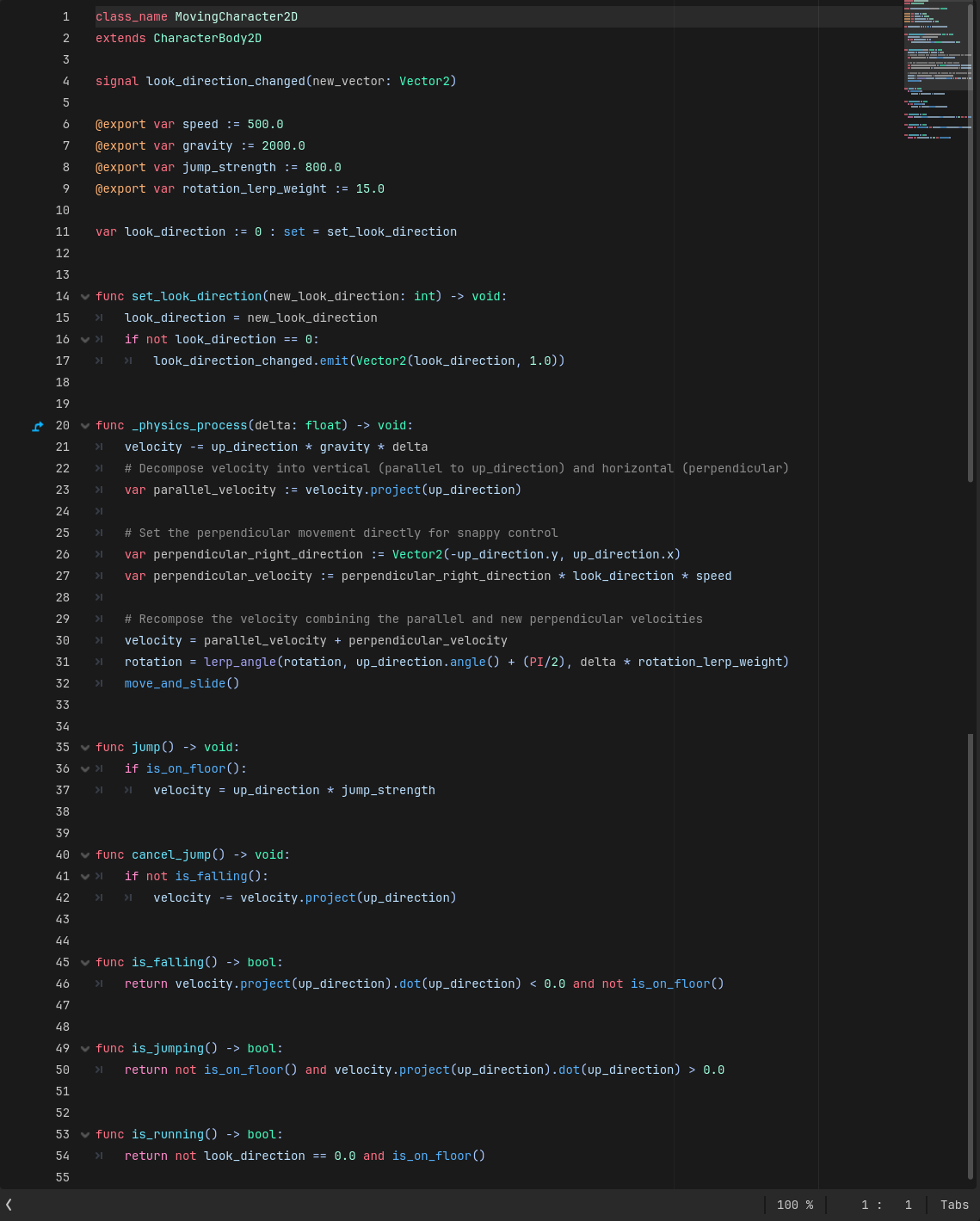
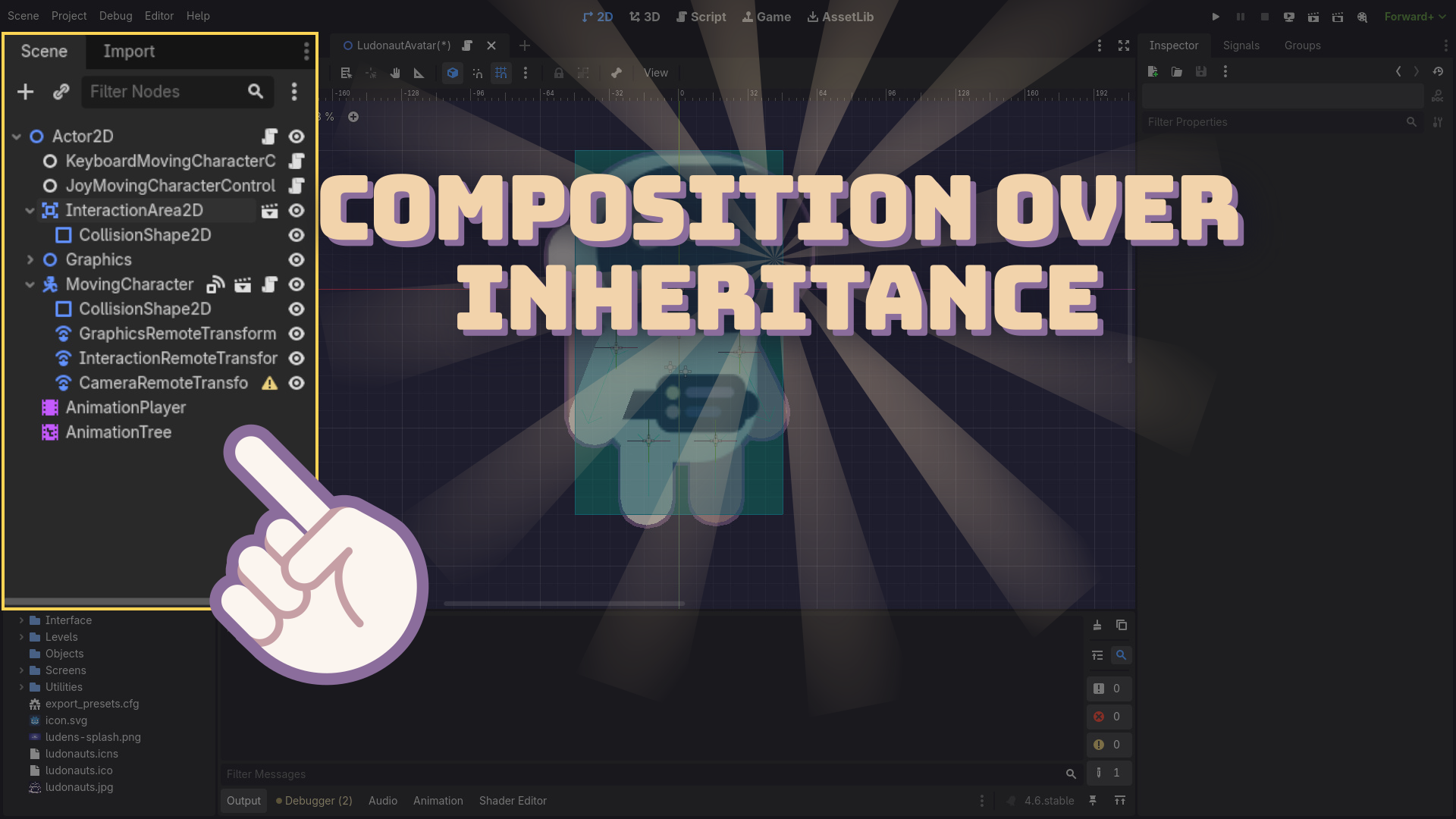
The Ludonaut Godot 2D Spawning Kit was made using Godot Engine 4.6 following the best practices regarding scalability and reusability. We subscribe to the GDScript guidelines to organize the code, complying with the SOLID principles and composition-first design on top of hard-typed classes. An example follows:
The asset pack bundles a set of systems to help you create and distribute objects in a 2D game world.
- Distribution System: a set of Node2Ds that take as input Node2Ds and reposition them in 2D space.
- DistributionArc2D: A Node2D that takes another Node2D as input and distribute it randomly inside an arc area. You can configure the arc’s inner and outer radius and angles to better fit your desired behavior.
- DistributionPath2D: A Node2D that takes another Node2D as input and distribute it along a Path2D’s Curve points, allowing you to configure the distribution by setting the desired distance between each segment.
- DistributionShape2D: A Node2D that takes another Node2D as input and distribute it around a shape. You can configure the shape’s segments to achieve multiple shape designs like a triangle, rectangle, hexagon, and, of course, a circle.
- Count System: a set of two Nodes to help you trigger an event multiple times. No more
for loopseverywhere.- Counter: a Node that loops a number of times, notifying when the count started, iterated, and finished. You can configure the count using the
times_to_countproperty in the Inspector. - RandomCounter: it’s a counter specialized in random number. It counts a random number of times within a given range. You can configure the range using the Inspector.
- Counter: a Node that loops a number of times, notifying when the count started, iterated, and finished. You can configure the count using the
- Spawning System: a set of three Nodes to help you add objects in a 2D game world.
- Spawner2D: a Node2D that takes a PackedScene (that must have a Node2D as root node) as input and add it to the game. You can optionally configure a container to add the PackedScene instace as a child. For that, you can use a StringName in the Inspector and the Spawner will find the container automatically, no need to provide the exact NodePath.
- SceneSelection: a Node that takes an Array of PackedScenes and use an index to pick one out of the list. It wraps the index around the Array’s size, so you don’t have to be concerned about out of boundaries errors.
- RandomSceneSelection: a specialized SceneSelection that picks a PackedScene randomly. You can define weights to specific indexes using the Inspector.
With this tool set, we believe the Godot 2D Spawning Kit will aliviate you from the burden of engineering solutions yourself. With this toolkit, you can focus on creating interesting mechanics to enrich your game, from spawning enemies to let your players’ farm to the very loot the enemies drop once defeated and even juiceness elements such as damage labels that appear around a character once they get hit.
Let us Ludonauts do the heavy lifting work so you can focus on making great games!
Purchase
In order to download this asset pack you must purchase it at or above the minimum price of $3.49 USD. You will get access to the following files:
Leave a comment
Log in with itch.io to leave a comment.